Wear what you already own.
Rack is a personal stylist for men's closets. It picks one outfit a day from the clothes you already own and tells you why.
Invite-only, Gmail accounts only, and still being built.
How it works
-
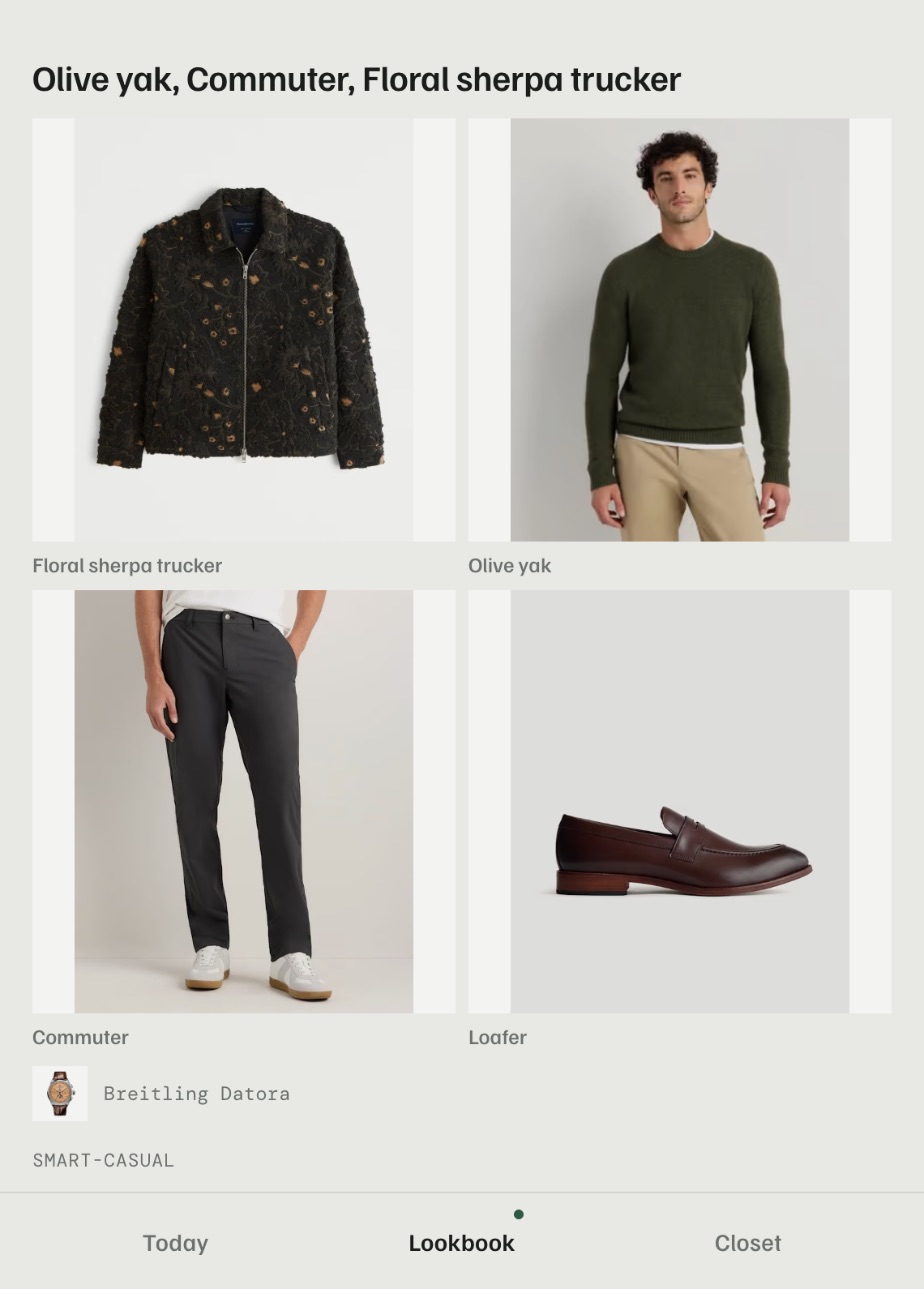
1. Add what you own
Paste a store link, type a name or take a photo. Rack fills in the details. Start with your twenty most-worn pieces. Nothing asks you to finish the rest.
-
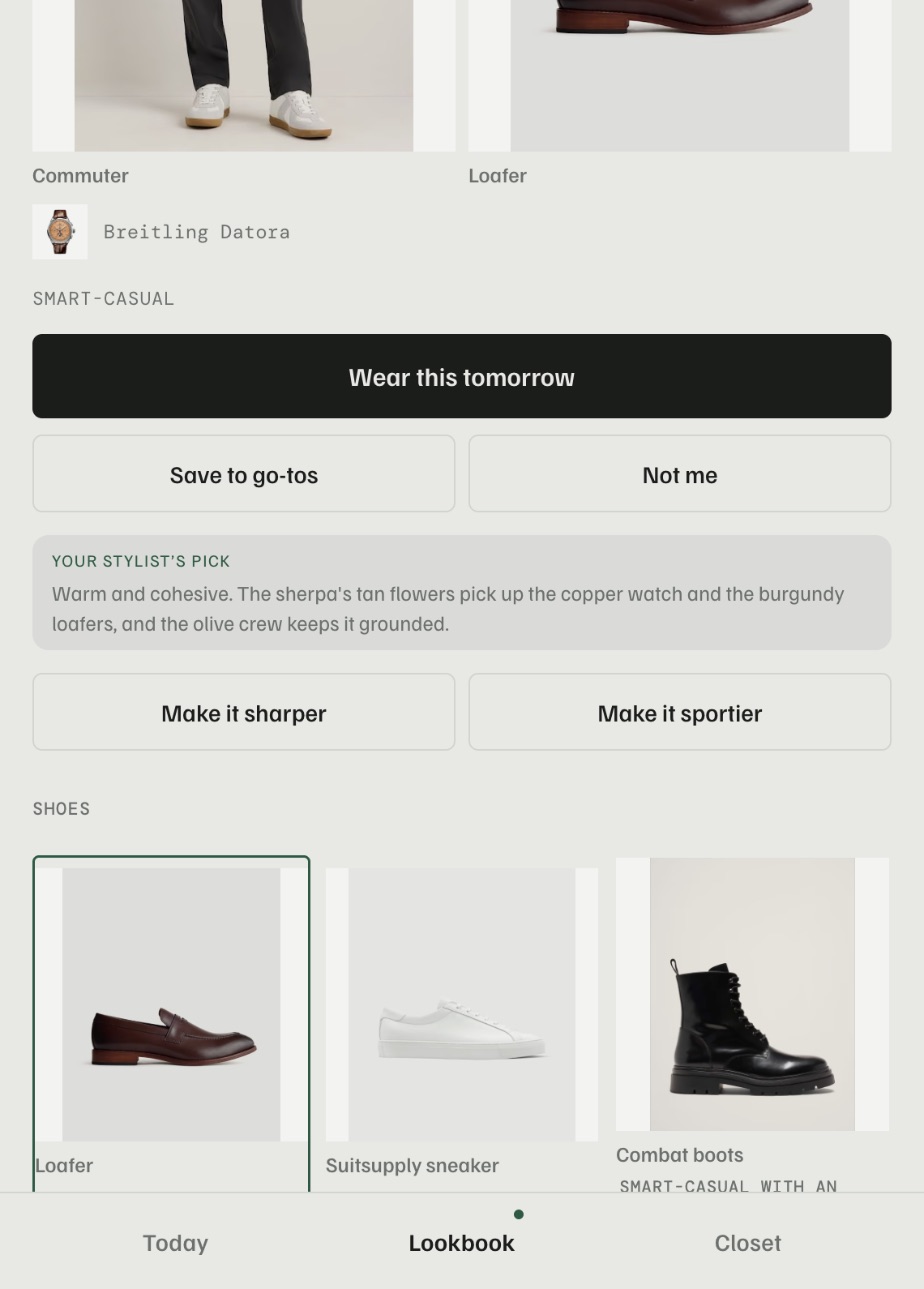
2. Get one pick each morning
It checks the weather and the kind of day, such as office, weekend or date night. Then it shows one outfit, with a line on why it works.
-
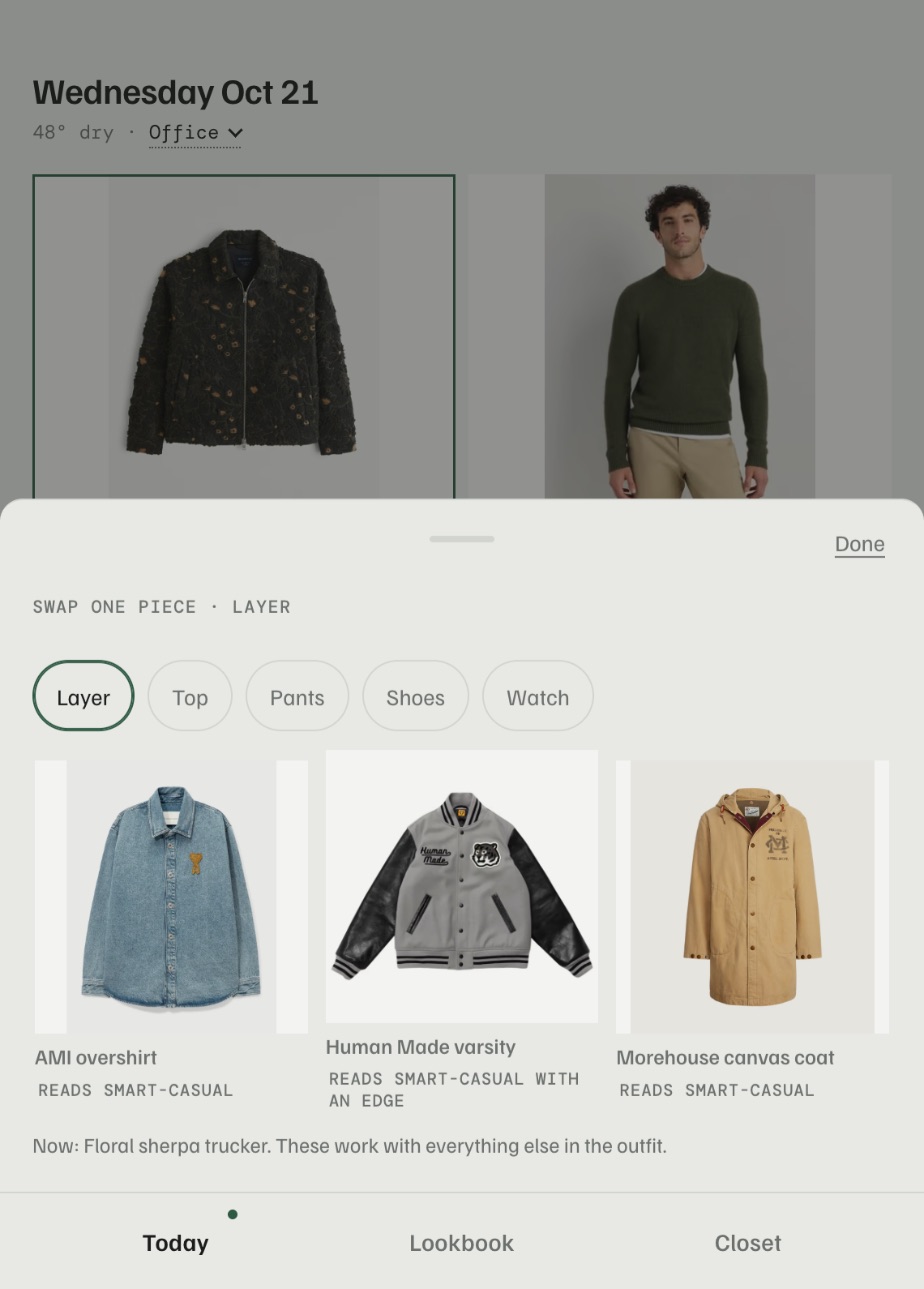
3. Change what you don't like
Tap any piece and see up to three swaps that still work with the rest. Everything else stays put.
Good to know
Rack is built for menswear only. Its rules come from menswear style guides, not a general fashion engine with a men's filter.
- The rules pick the outfit.Formality has to match the day, shoes have to suit the outfit, and only one statement piece at a time. Claude, an AI model, writes the reason you read.
- It only uses what you own.No shopping feed and no nudges to buy. It never shows more than three options.
- Pieces rest, they don't vanish.Pause a piece and it leaves your picks. Remove one and it waits 30 days before it's gone.
- Your closet is yours.Sign-in is with Google, so you need a Gmail address. No one else can see your clothes.
- It's a personal project.That's why it's invite-only. It works on Android and in any phone browser, and it's still being built.
Get an invite
Rack is invite-only for now, and it only accepts Gmail addresses. To get access, contact the owner of the app and give them the Gmail address you'll sign in with.
Already invited? Sign in with the Gmail address you gave.